Dr. Natalie Marks
DVM, CVJ, CCFP, Elite FFCP-V
Veterinary Educator, Media Expert & CEO of VANE
Advisory input on clinical protocols and glucose curve interpretation guidelines.
How It Works
From sensor application to Vet Portal review, Adapet connects glucose visibility, owner participation, and clinic follow-up in one veterinarian-led workflow.
Product Ecosystem
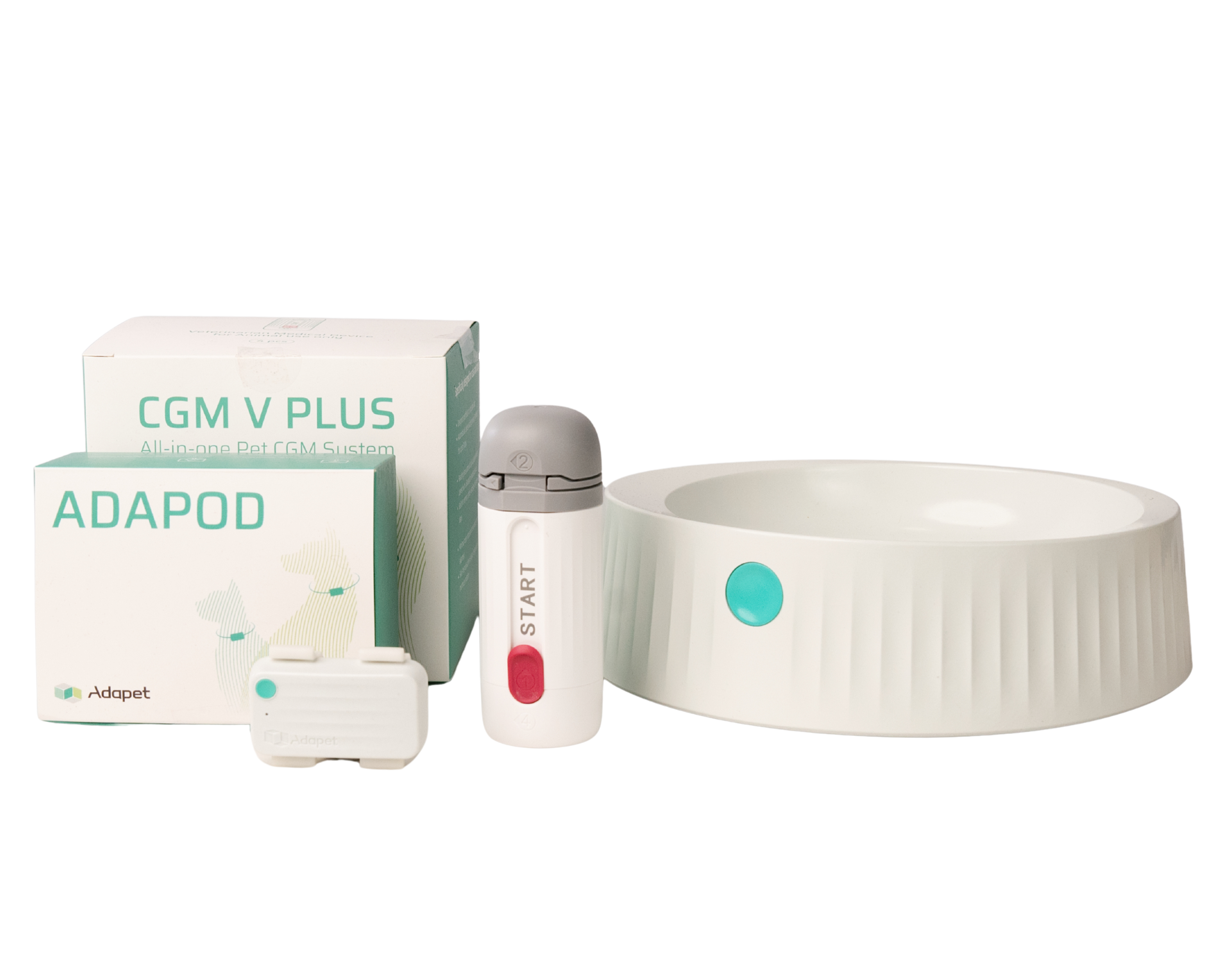
Adapet starts with continuous glucose monitoring and connects clinic review, owner app visibility, and future pet-care devices into one workflow. Most clinics start with CGM. AdaPod and AdaFeeder extend the system by adding activity and feeding context.
Adapet CGM
Continuous glucose monitoring for diabetic dogs and cats
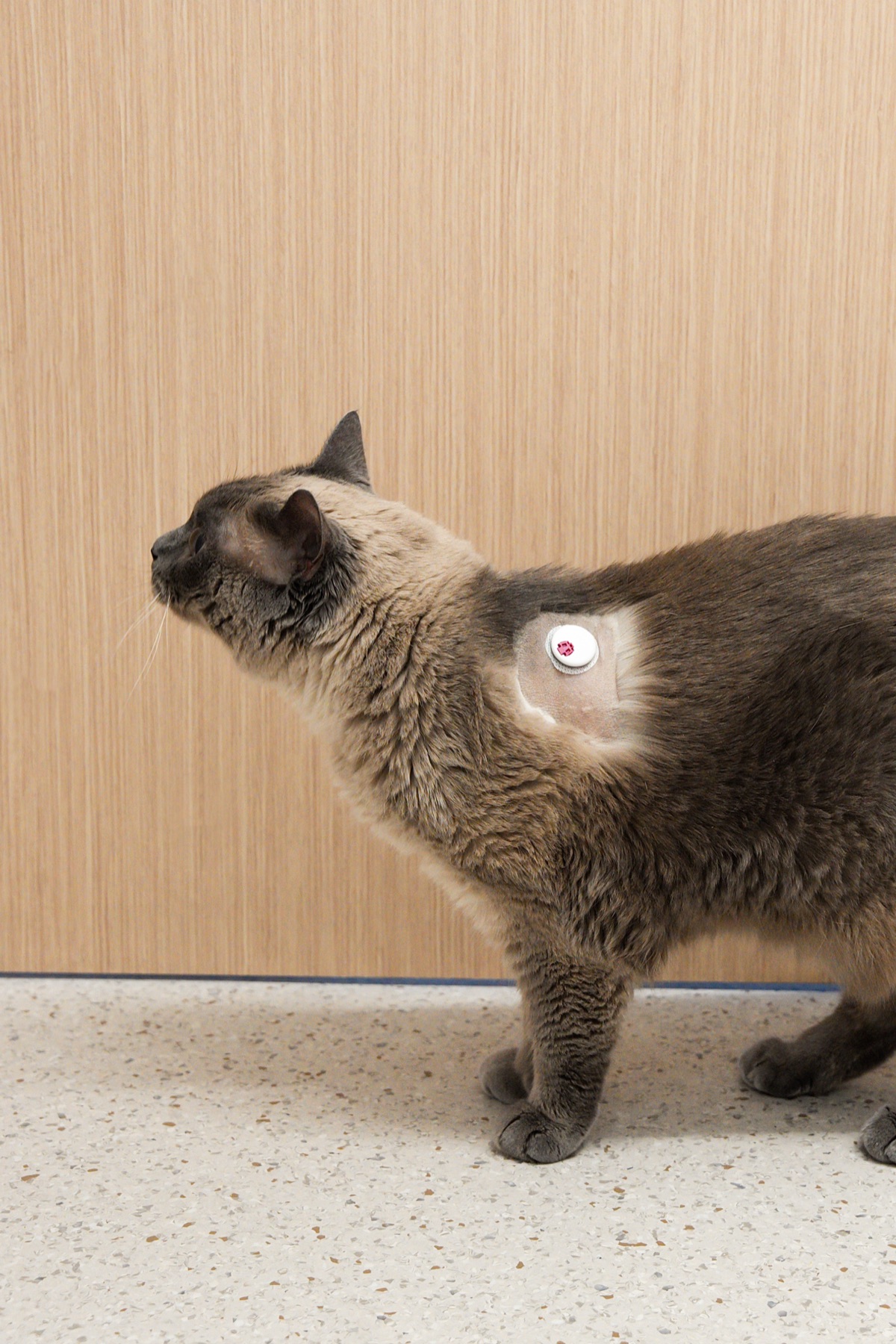
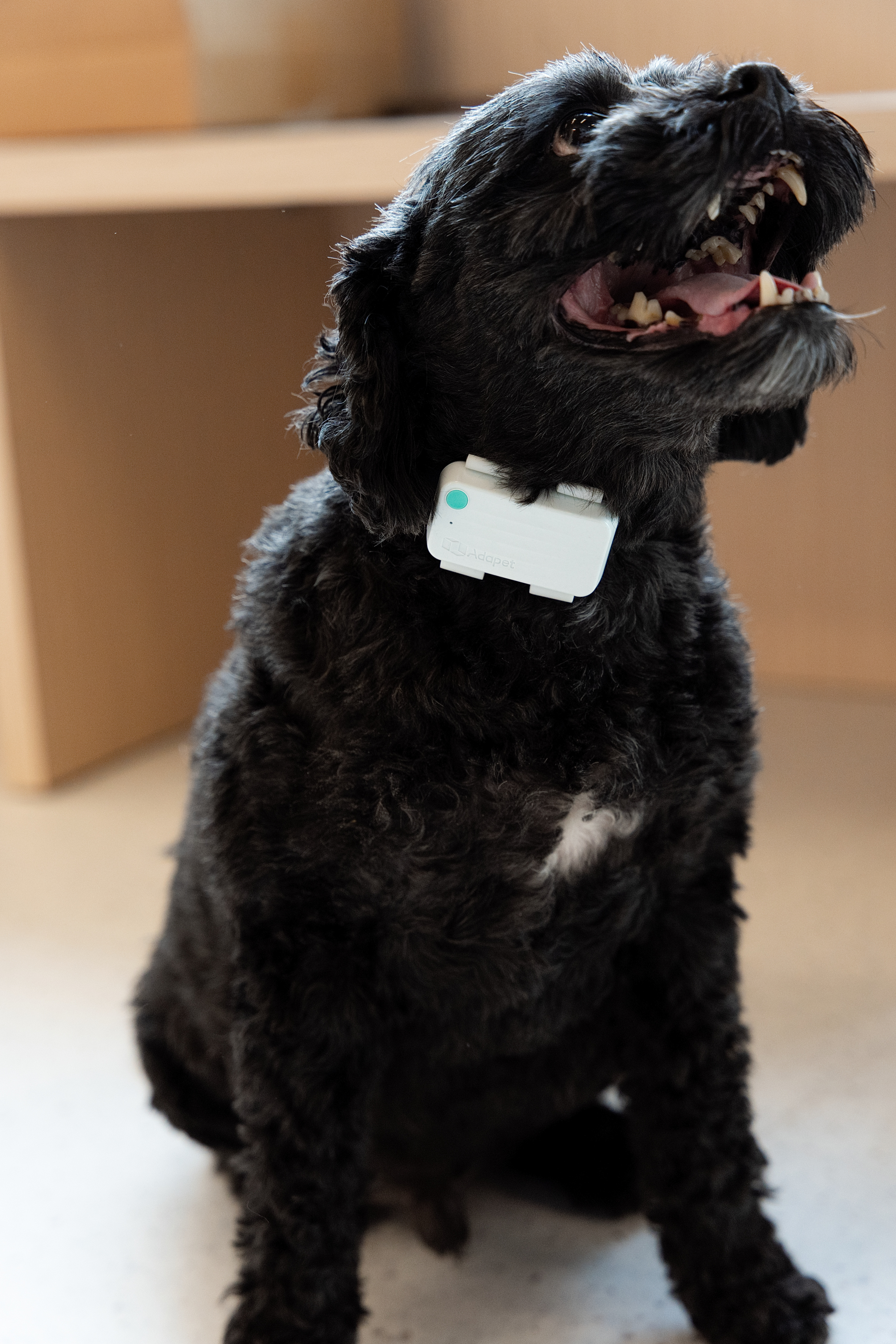
Adapet CGM helps veterinary teams review glucose trends between visits through a wearable sensor, owner app, Vet Portal, and Account Hub workflow. It is the recommended starting point for clinics adopting Adapet.
Ecosystem Expansion
Activity tracker and connected data hub
AdaPod tracks pet activity and receives feeding data from AdaFeeder and glucose data from the CGM Sensor. It then syncs all three data streams to Vet Portal and the Owner App for unified review.
Feeding Insights
Smart feeding support for diabetic pet routines
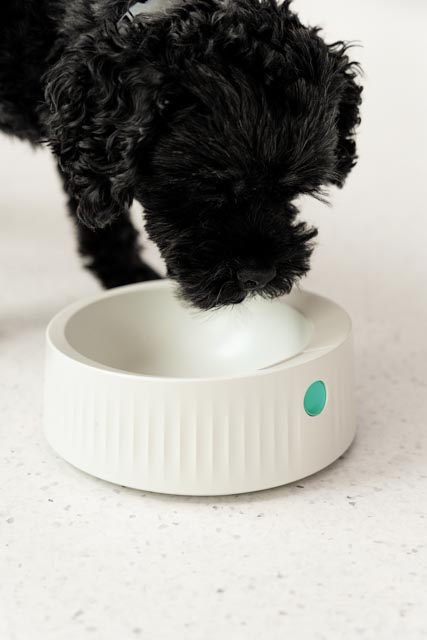
AdaFeeder is designed to capture feeding routines so veterinarians can review glucose trends alongside meal timing and consistency.
Full Ecosystem
Glucose data
Activity tracker
Syncs all data
Clinic data review
Feeding data
At-home monitoring
Glucose data
Feeding data
Activity tracker · Syncs all data
Clinic data review
At-home monitoring
Core Ecosystem
The traditional phone-sync flow — CGM Sensor pairs to Owner App, which forwards data to Vet Portal.
Glucose data
At-home monitoring
Syncs data
Clinic data review
Glucose data
At-home monitoring
Syncs data
Clinic data review
Main Workflow
Create or activate your clinic account through Account Hub to access Vet Portal, ordering, and support tools.
Log in to Vet Portal — your clinic's environment for reviewing CGM trends, glucose data, and patient monitoring information.
Prepare the site, apply the CGM sensor, and confirm secure placement before the owner leaves.
The owner downloads the Adapet app and connects the sensor. Confirm they can view readings before leaving the clinic.
Review glucose curves, time-in-range, and owner context in Vet Portal to support veterinarian-led follow-up decisions.
Manage orders, reorders, and ongoing support through Account Hub after your first data review.
Roles
Veterinary Advisory Input
Adapet protocols are designed with advisory input from specialist veterinarians in diabetic pet management.
DVM, CVJ, CCFP, Elite FFCP-V
Veterinary Educator, Media Expert & CEO of VANE
Advisory input on clinical protocols and glucose curve interpretation guidelines.
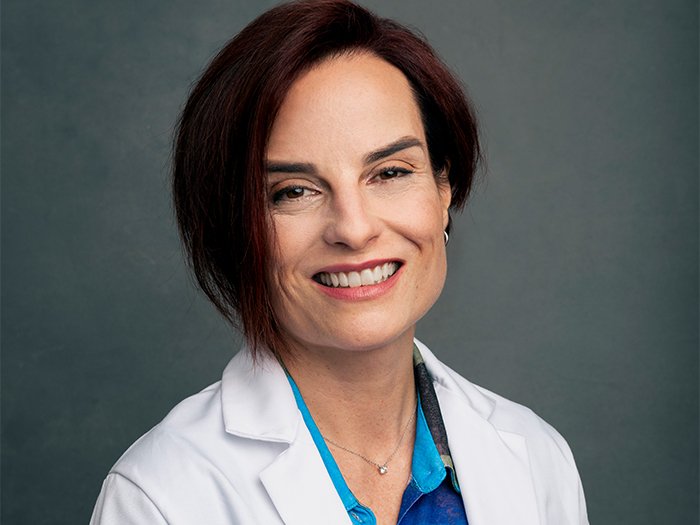
DVM, DACVIM (SAIM), FACVIM (Feline & Canine Diabetes)
Clinical Associate Professor, University of Florida
Specialist input on diabetic dog and cat management and CGM data interpretation.
Account Hub
The Account Hub is where approved clinics manage patients, access Vet Portal data, and handle sensor orders. It's your operational base after onboarding.
Login to Account Hub14-day glucose curves, time-in-range data, and trend analysis for each patient.
Order sensor kits, track shipments, and manage clinic purchase history.
Manage clinic details, team access, and account settings from one place.
Adapet CGM supports veterinarian-led glucose monitoring and does not replace veterinary medical advice or emergency care. Treatment decisions, including insulin dose, insulin timing, and diet changes, must be made by your veterinarian.
Read safety information →Get Started
Try out the Adapet CGM on a diabetic patient through the First Case Program. Otherwise, click below to purchase now.